 Block Suite
Wiki / Start
Installation
Download the app, get past the first-run checks and sign in.
1. Download
Get the build for your system from the download page.
2. Install
Windows
- Run
BlockSuite-Setup-latest.exe. - Windows SmartScreen may show "Windows protected your PC". Click More info, then Run anyway.
- Follow the installer. A Block Suite shortcut is added to your desktop and Start menu.
Why the warning
Block Suite is not code-signed yet, so Windows SmartScreen and some antivirus tools flag it on first run. The download is served over HTTPS from our own server.
Linux
chmod +x BlockSuite-latest.AppImage
./BlockSuite-latest.AppImage
3. First launch
On every start the app runs three checks before it opens:
- Connection: makes sure Block Suite's servers are reachable.
- Updates: if a newer version exists it downloads and restarts by itself.
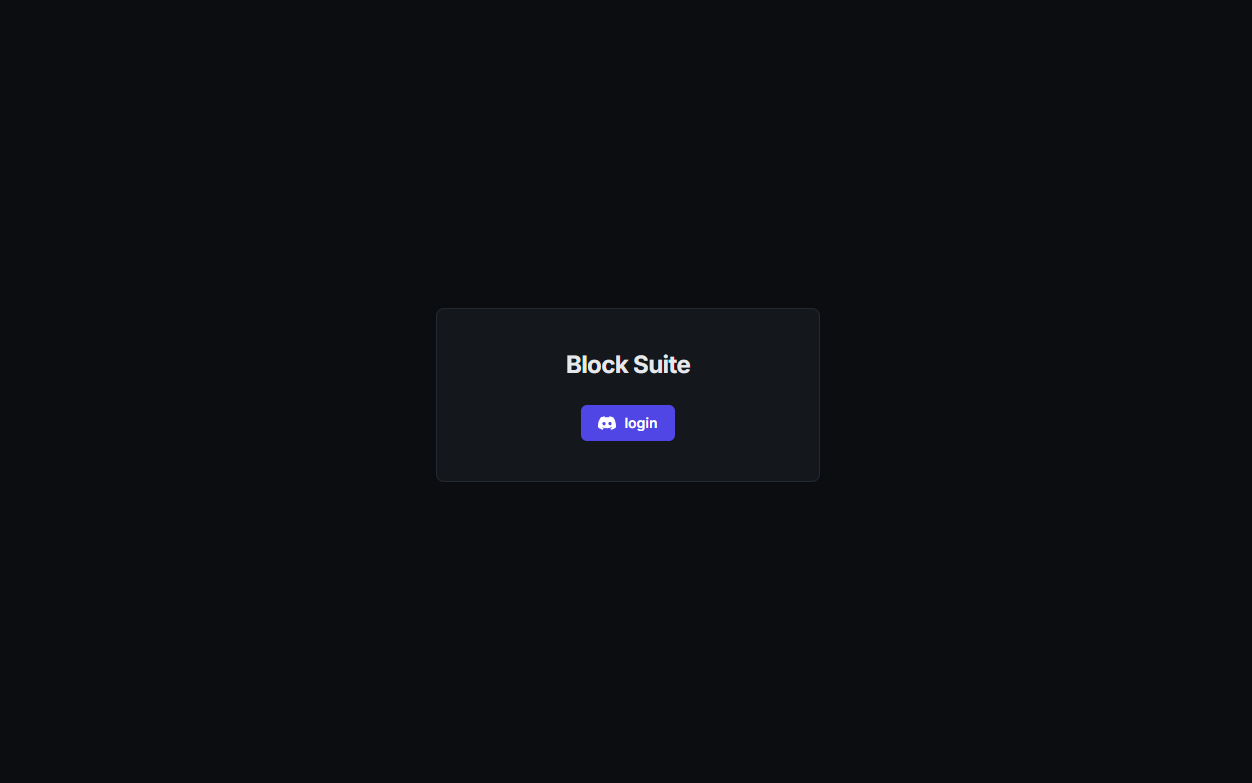
- Sign in: log in with Discord. Your session is remembered.
4. Claim your address
The first time you sign in, pick a name. You get yourname.mineroute.net, the address
players will use. Lowercase letters, digits and hyphens, 3–32 characters.