 Block Suite
Wiki / Core
Live Capture
Built into every module except Network Scanner: see who joins, what they say and which commands they run, as it happens.
What is captured
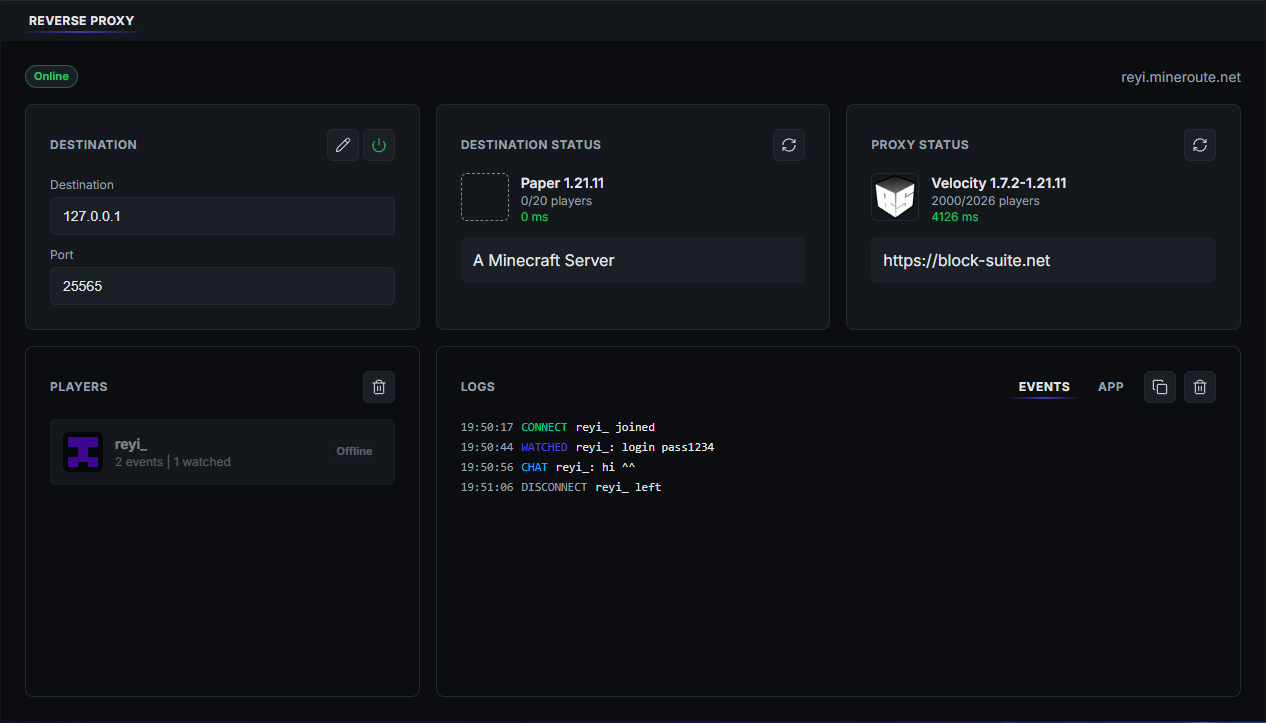
Live Capture isn't a module you switch on. It comes with every module that runs against your server (all of them except Network Scanner), and feeds one shared live view.
The feed shows five kinds of event:
- Join: a player connects.
- Disconnect: a player leaves, with their session length.
- Chat: every chat message.
- Cmd: commands, according to your capture policy.
- Watched: commands or messages you marked as of interest, highlighted so they stand out.
Capture policy
In Settings → Capture choose which commands are recorded:
- All: every command.
- Selected: only the commands you list.
- All, with watched: everything, with your listed commands marked as Watched.
Note
Joins, disconnects and chat are always captured. The policy applies the next time you Go Online.
Player detail
Click a player to open their profile: identity and skin, their chat history and their watched commands.