 Block Suite
Wiki / Modules
Reverse Proxy
Put your server online behind your own address. No port forwarding, no exposed home IP.
How it works
Block Suite runs a managed proxy on your PC and opens a secure tunnel to our relay. Players connect to
yourname.mineroute.net; the relay forwards them through the tunnel to the proxy, which hands
them to your server.
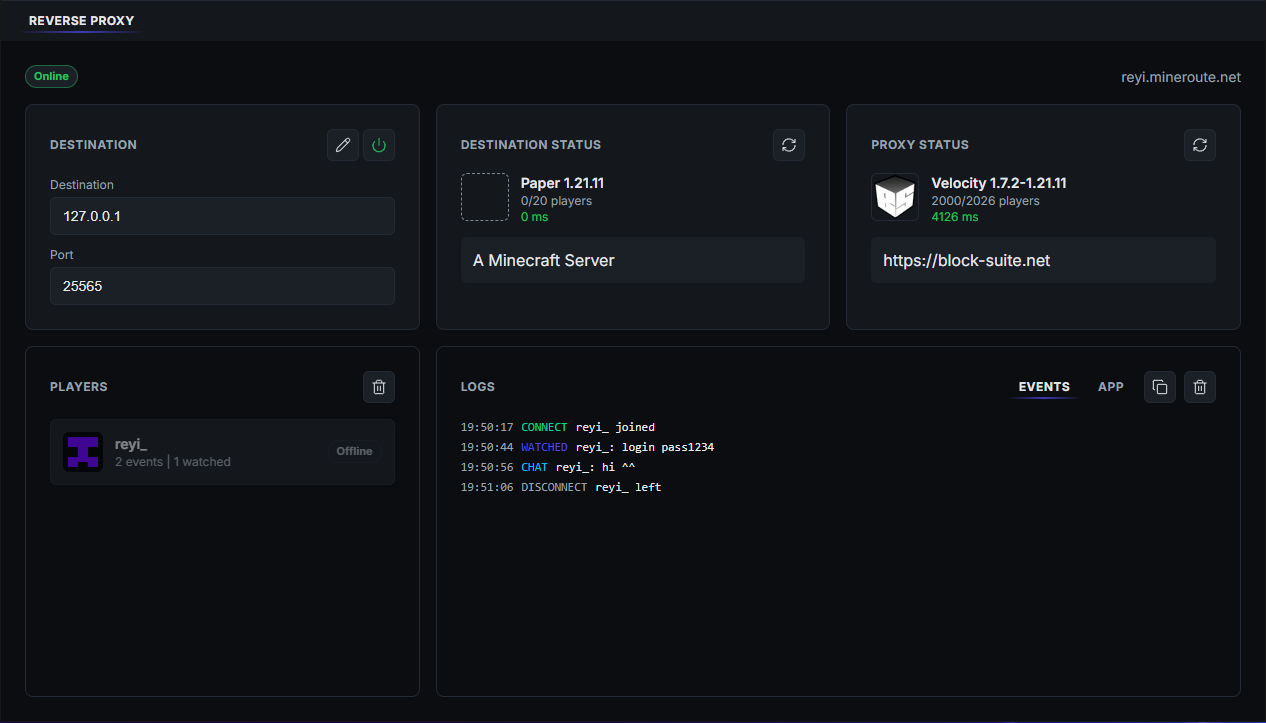
Set it up
- Enter your server's host and port (usually
127.0.0.1and25565). - Check the destination panel shows your server as reachable.
- Click Go Online. The status turns green when players can join.
Customize
Open Customize next to Go Online to change how your server looks in the multiplayer list:
- MOTD, server icon and max players, or copy them from your server in one click.
- Version compatibility: let players on other Minecraft versions join.
- Online mode: keep it on unless you know you need offline mode.
Note
Changes apply the next time you Go Online.
Troubleshooting
Players can't connect
Make sure the destination panel shows your server as online, then Go Offline and Online again.